
Virtual Reality Training Module
Step aboard an Oil Tanker without leaving the shore — immersive VR training for the next generation of maritime professionals
Oil Tanker — Virtual Reality Module
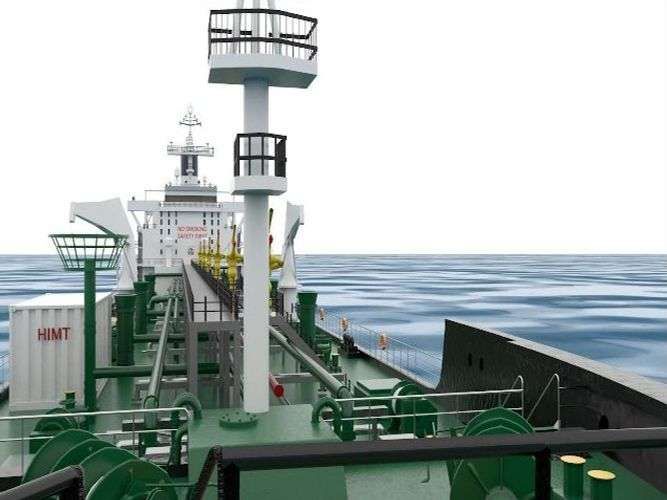
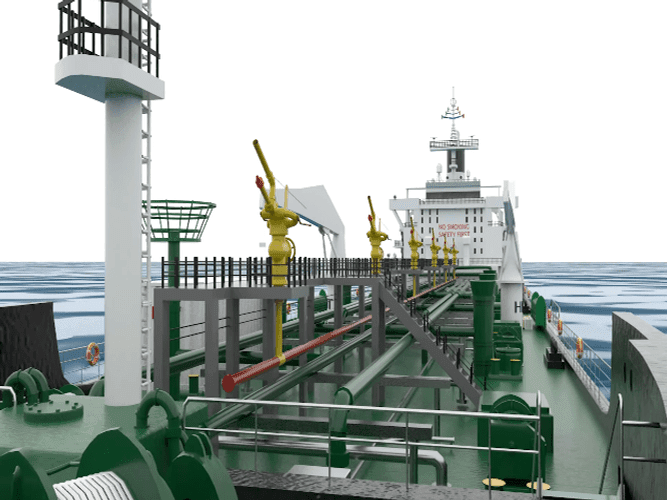
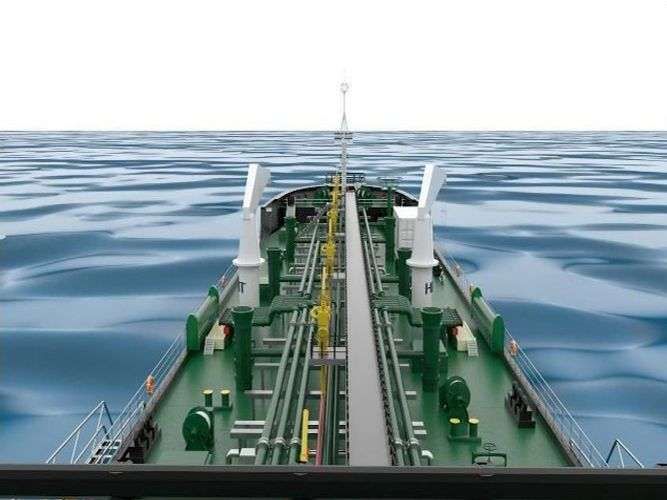
HIMT is among the first maritime training institutes in India to introduce Virtual Reality training for seafarers. Our Oil Tanker VR Module allows students to walk through a fully rendered oil tanker, explore equipment, practise procedures, and understand shipboard operations in an immersive, risk-free environment.
This cutting-edge training technology bridges the gap between classroom theory and real-world shipboard experience — enabling seafarers to build muscle memory, spatial awareness, and procedural confidence before ever setting foot on a vessel.
Compatible VR Headsets
The HIMT Oil Tanker VR Module APK is compatible with leading VR headsets used in professional and consumer settings.
Meta Quest 2 / Quest 3
Full standalone wireless VR headset. No PC required. Recommended for individual and classroom use.
Oculus Quest (Gen 1)
Original Quest standalone headset. Full compatibility with the HIMT Oil Tanker VR Module APK.
Oculus Rift / Rift S
PC-tethered VR headset offering high-fidelity graphics. Supported with compatible gaming PC.
Download the VR Module
Download the APK file and install it on your compatible VR headset to begin immersive maritime training. Follow our step-by-step installation guide to get set up quickly.
Click the Download APK button and save the file to your device or PC.
Enable Developer Mode on your Oculus Quest via the Oculus mobile app.
Use SideQuest or ADB to sideload the APK onto your VR headset.
Find the app in "Unknown Sources" on your headset and launch the VR module.
Oil Tanker VR Module
Version 1.0 · Android APK
VR & AR Training Facility
Beyond the downloadable module, HIMT operates dedicated VR/AR training rooms at its campuses where students receive guided immersive training sessions as part of their course curriculum.
Dedicated VR Rooms
Purpose-built VR/AR training rooms at HIMT Kilpauk and Tidal Park campuses.
Guided Sessions
Expert faculty guide students through VR scenarios as part of structured courses.
Fleet of Headsets
Multiple VR headsets available for simultaneous multi-student training sessions.
AR Overlays
Augmented Reality overlays for equipment identification and maintenance training.
Apply for 2026 Admissions
Our counsellor will reach out within 24 hours